
Saving a rule
When field rules are ready and Preview matches expectations, save the object configuration and deploy processing to the org. With Rules active on, deployed rules run on record insert and update (per each rule’s run scope). Requires metadata auth.
Save and deploy
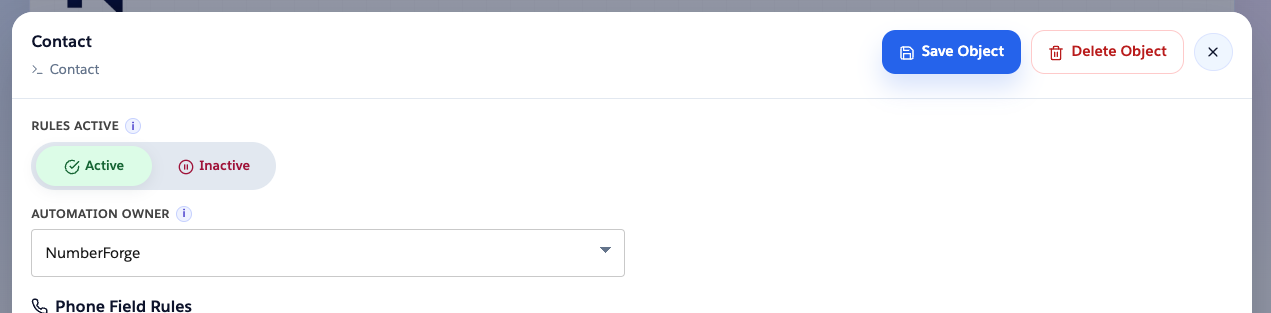
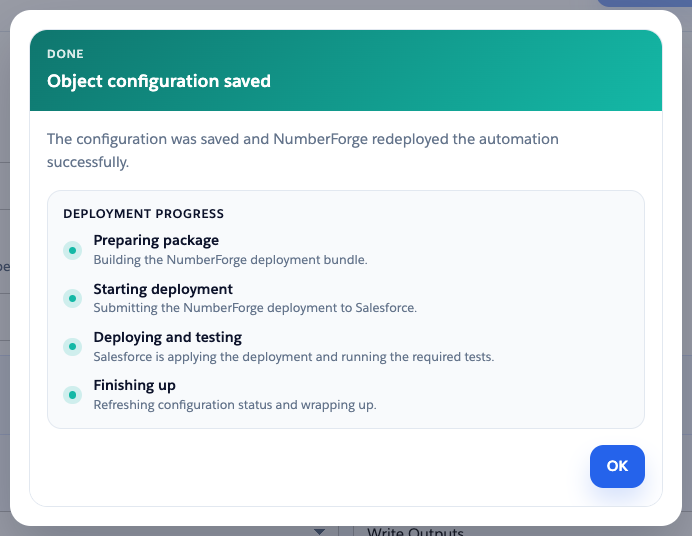
Section titled “Save and deploy”When Automation owner is NumberForge, Save Object saves field rules and deploys (or redeploys) the managed trigger for that object.
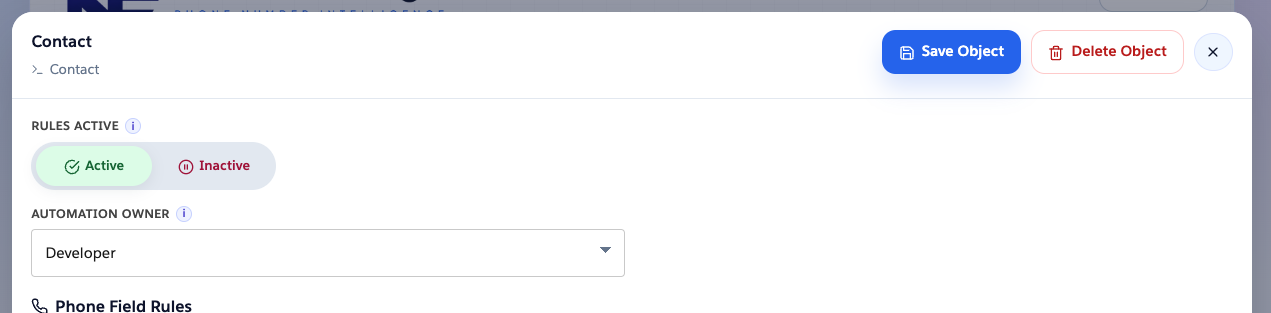
Object editor → Save Object.
Missing deployment warning
Section titled “Missing deployment warning”Shown on the object list when Rules active is on, Automation owner is NumberForge, and the trigger is not deployed in the org.

Remove NF-managed automation
Section titled “Remove NF-managed automation”Switch Automation owner to Developer, then Save Object. Field rules stay in NumberForge Configuration; NumberForge removes the managed trigger from the org.
Check metadata access
Section titled “Check metadata access”If deploy or field creation fails on auth:
- Re-run metadata auth.
- NumberForge Configuration → Validate metadata auth (or confirm the ready banner after validation).

On record save
Section titled “On record save”Active rules parse the phone field, write status/flag, format valid values, fill enrichment, and enforce Block save when configured. Results should match Preview for the same settings.
For logic outside record save (screen flows, integrations), see Flow actions.
Delete configuration
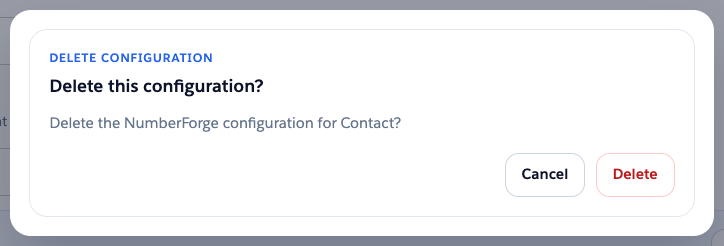
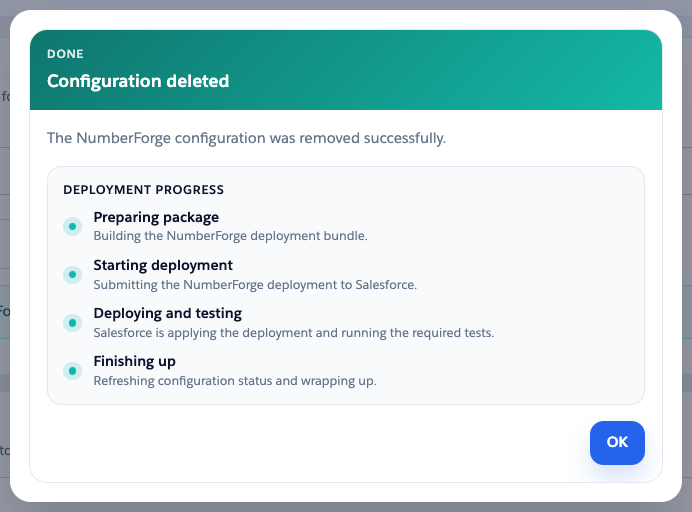
Section titled “Delete configuration”Delete Object removes the NumberForge setup for that object (all field rules and object settings). It does not delete Salesforce fields or records.
If Automation owner is NumberForge and the managed trigger is deployed, NumberForge removes the trigger and test metadata first. Requires metadata auth.
Object editor → Delete Object → confirm.