

Using Phone Assistant
Phone Assistant loads configured phone fields that have a value on the record, validates each against its field rule, and groups the results.
How results are grouped
Section titled “How results are grouped”Up to three sections can appear on the same record (in this order):
- Valid Phone Numbers
- Invalid Phone Numbers
- Needs Region
Blank configured fields are omitted. When every configured phone field is empty, see Empty state.
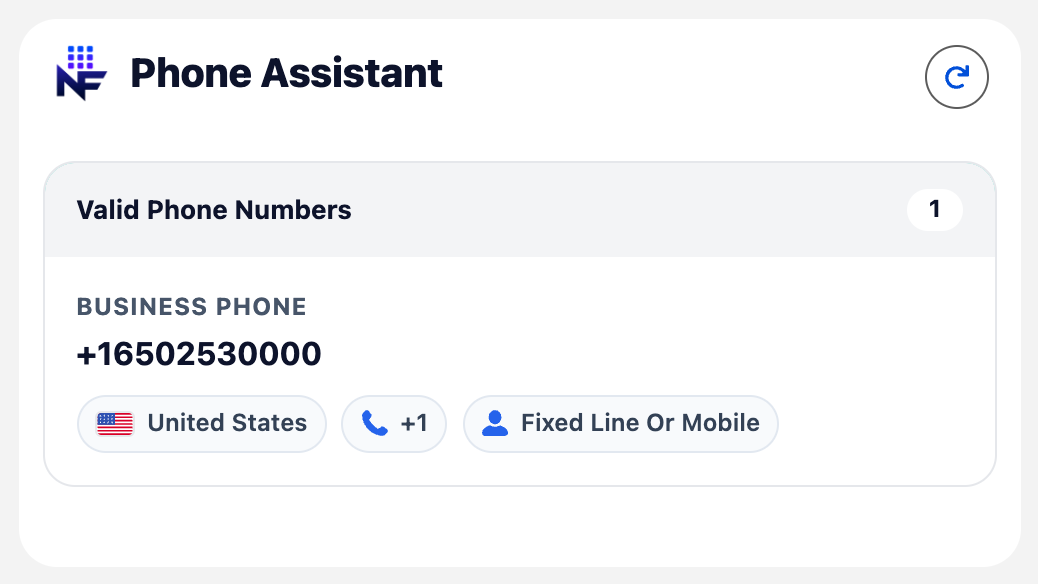
Already formatted
Section titled “Already formatted”When the stored value already matches the configured save format, the row appears under Valid with parse pills but no Save button.
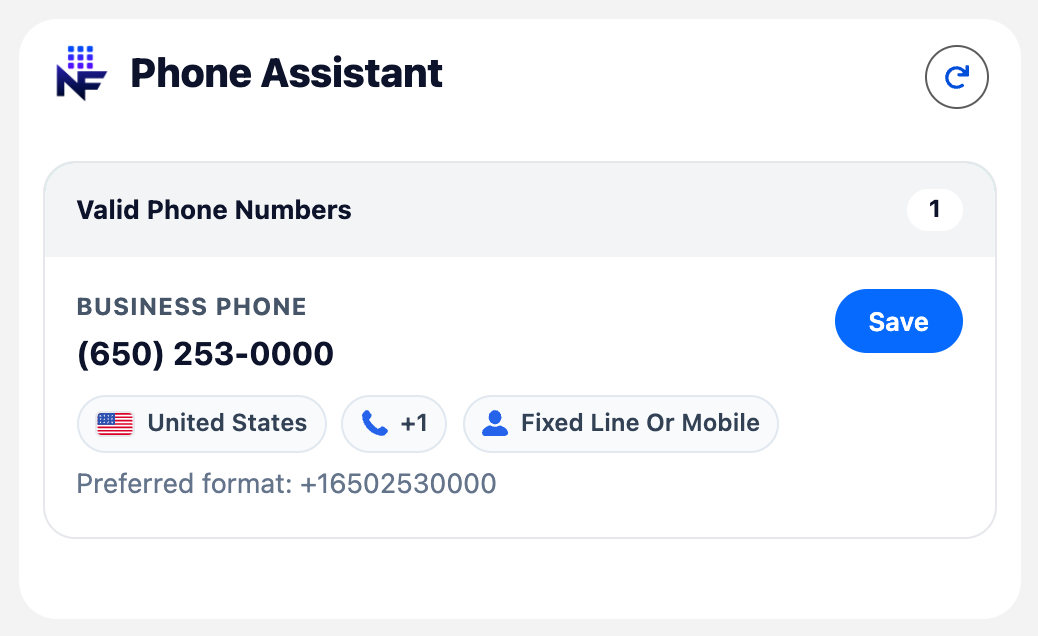
Preferred format and Save
Section titled “Preferred format and Save”When formatting is enabled and the stored value differs from the preferred format, the card shows Preferred format: with the target value and a Save button for users with edit access on that field. Save writes only that phone field. Users without edit access still see validation results; Save is hidden.
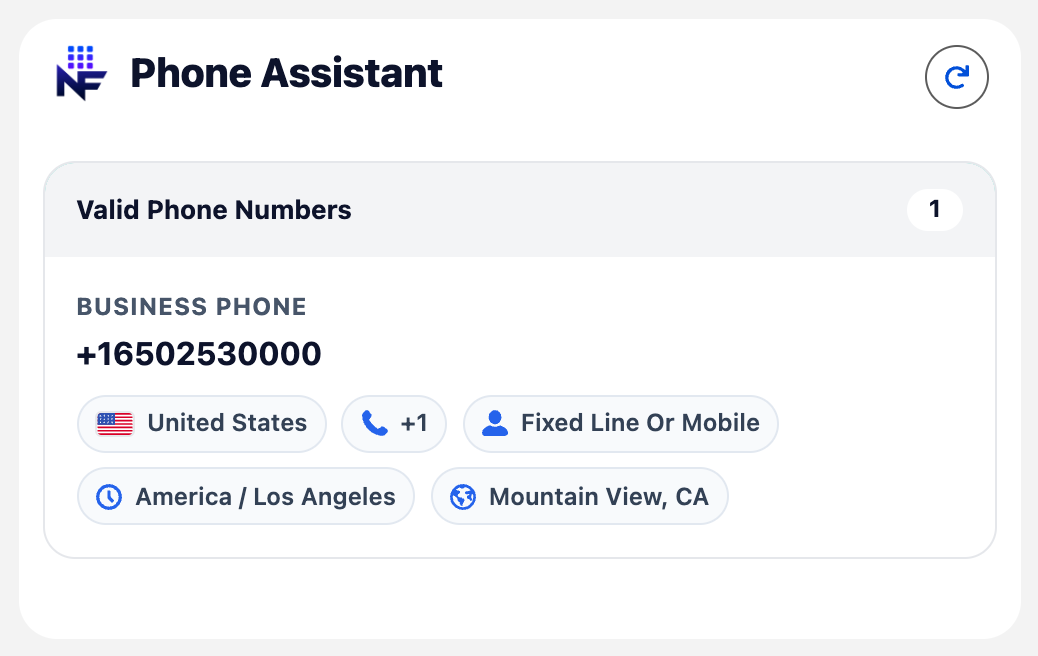
Enrichment pills
Section titled “Enrichment pills”On valid numbers, pills can include region (flag), country calling code, number type, carrier, time zone, and geocoding text. Which pills appear follows field rules and optional App Builder overrides (carrier / location / time zone display).
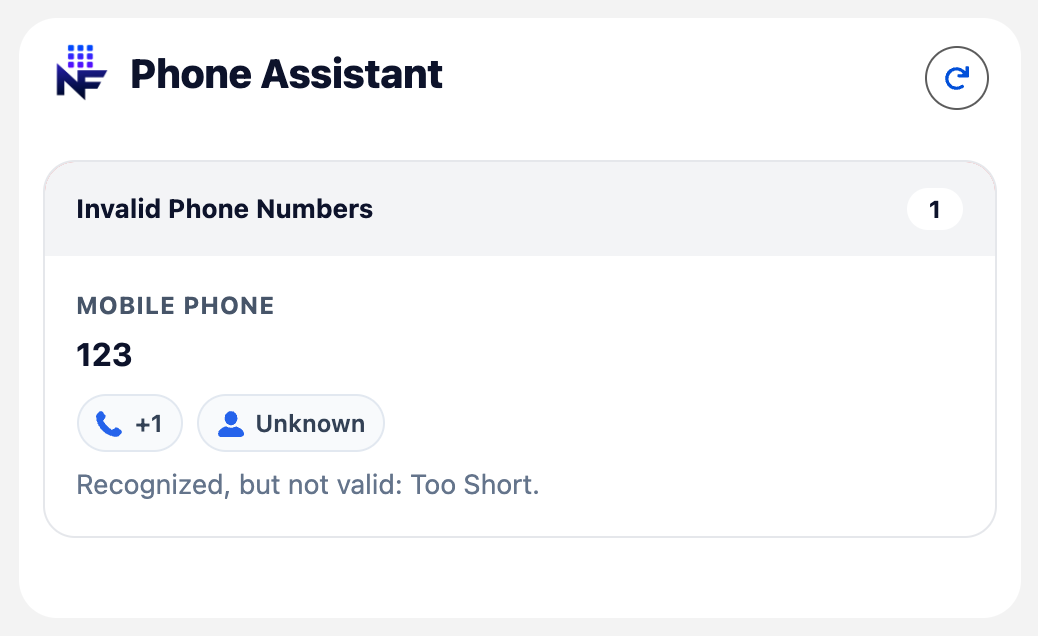
Invalid
Section titled “Invalid”Invalid rows show the stored value, optional partial parse pills, and a short reason (for example Too Short). Fix the value on the standard record layout, then Refresh.
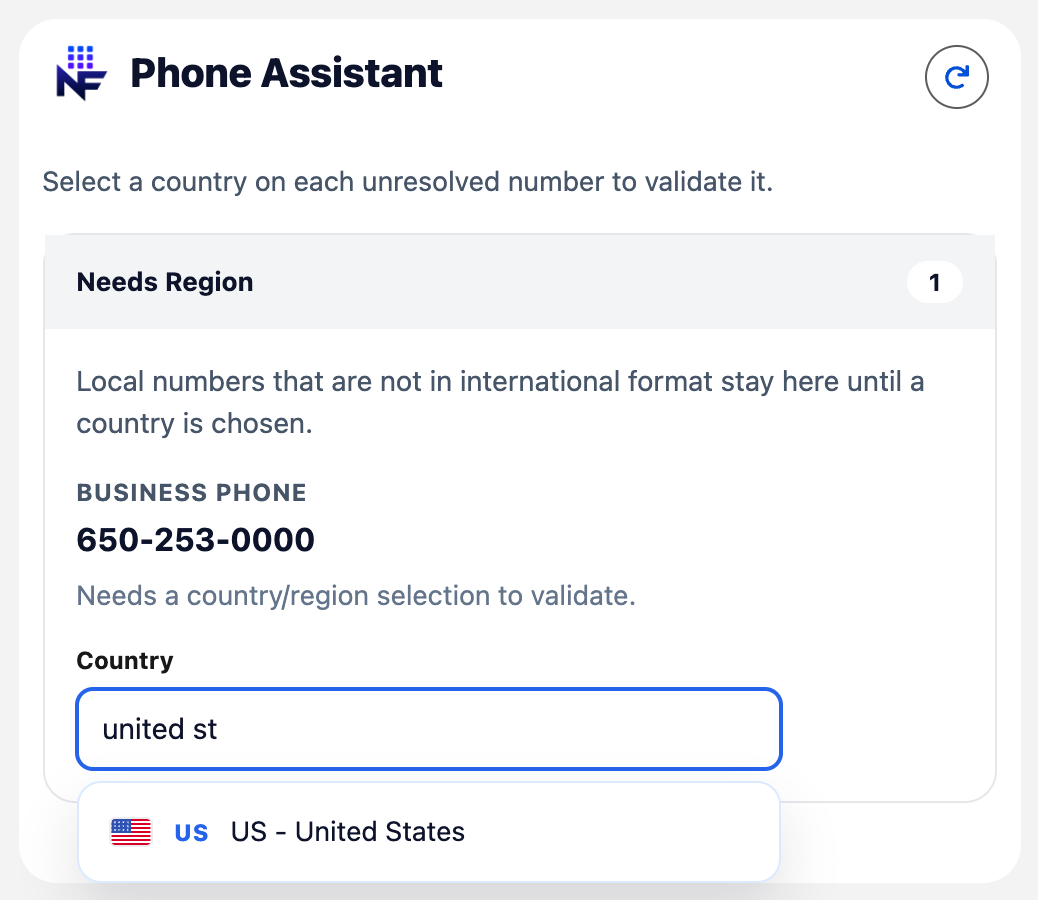
Needs region
Section titled “Needs region”Local numbers without country context stay in Needs Region until a country is chosen. When any row needs a country, a hint appears at the top of the card: Select a country on each unresolved number to validate it.
Open the searchable Country control, pick a country, and validation re-runs immediately. The row moves to Valid or Invalid based on the result.
Read-only access
Section titled “Read-only access”Users without edit access on a phone field still see validation results; Save is hidden.
Refresh
Section titled “Refresh”Header Refresh reloads field values from the record after inline edits elsewhere on the page.
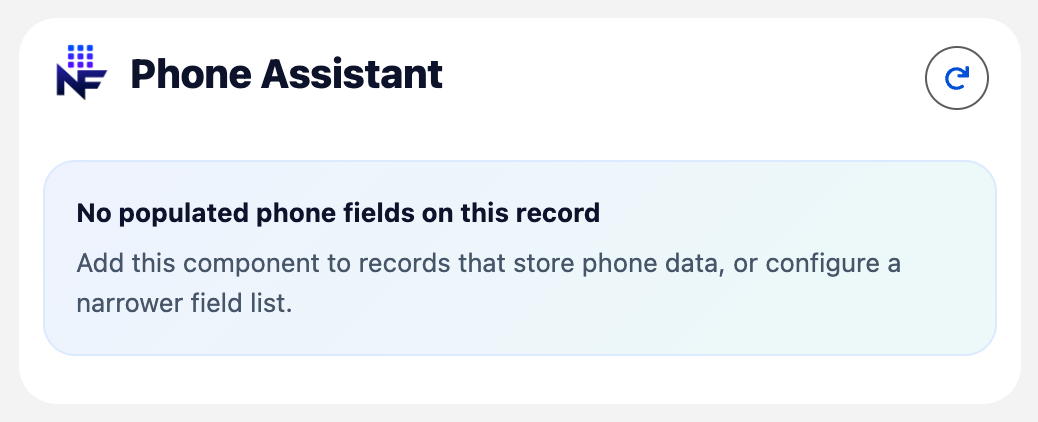
Empty state
Section titled “Empty state”When every configured phone field on the record is blank:
Configuration: Key concepts, field rules.